Artwork · 5 min read
How to Prepare Artwork for Custom Patches
File formats, resolution, colors and small text — plus what to do if you don't have artwork yet.
By Markhor Patches Team · Reviewed by Markhor Patches Production Team · Published Oct 9, 2026 · Updated Nov 2, 2026
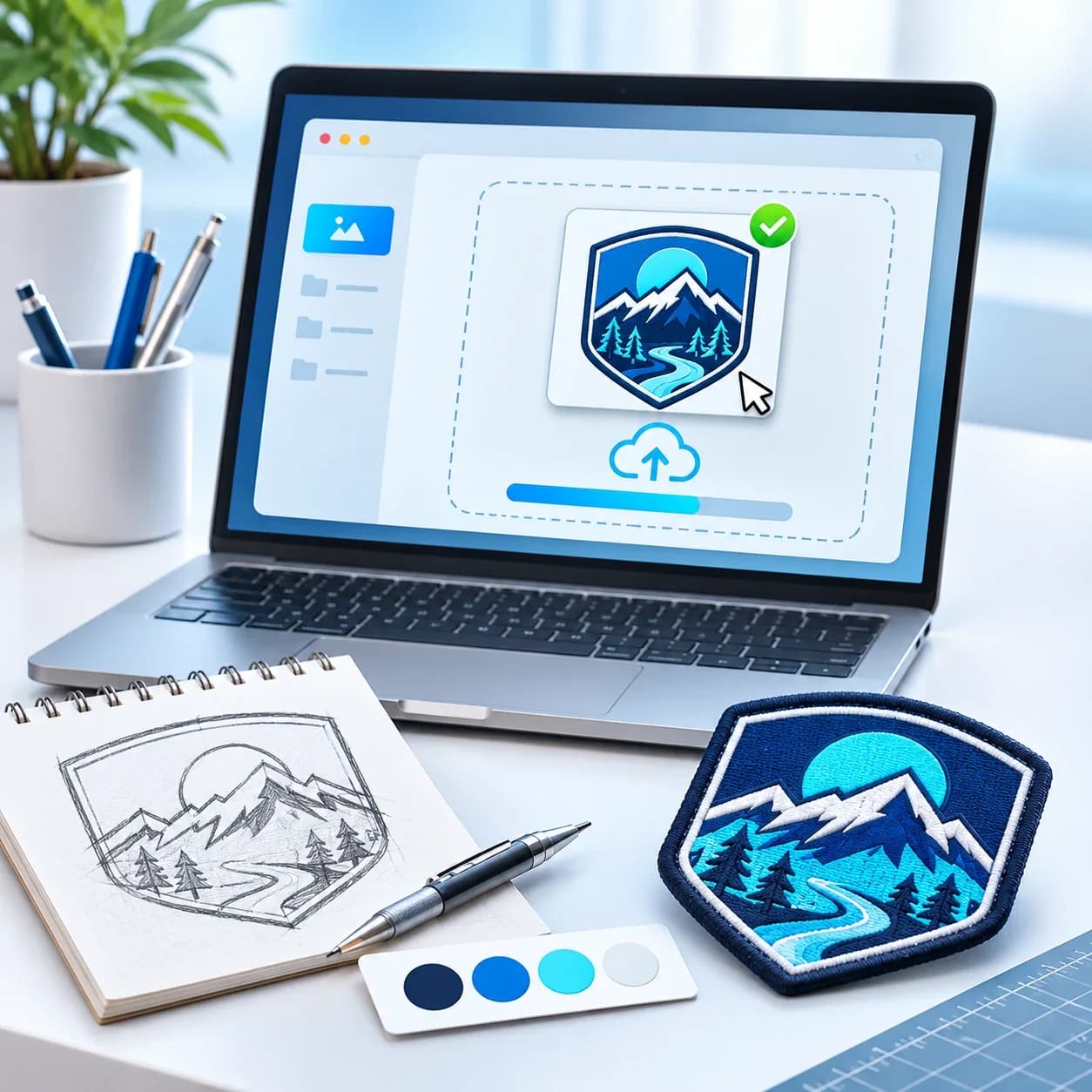
You don't need a perfect file to start. But a few basics make your proof faster and more accurate.
Best file formats
Vector files — AI, EPS, SVG or vector PDF — are ideal because they scale cleanly. High-resolution PNG or JPG also work.
Resolution
For images, larger is better. A small screenshot can usually be redrawn, but expect a few extra questions.
Colors
Tell us your brand colors if you have them. We match thread and materials as closely as possible and confirm on your proof.
Small text and fine lines
Very small text may not hold in embroidery. We'll suggest a size change, simplification or a woven patch when needed.
Backgrounds
Remove backgrounds you don't want reproduced, or tell us what should be included.
No artwork yet?
Choose "I don't have artwork yet" in the quote form and describe your idea. A sketch or reference photo helps. Our artwork team will prepare a design for your proof.
FAQ
Related products
Ready to start your patch?
Send your requirements and artwork — we'll reply with a private quote and a digital proof.
Related guides
How to Choose the Right Patch Size
Typical sizes for hats, chest, sleeves and jacket backs — and how size affects detail.
Embroidered vs Woven Patches: Which Should You Choose?
Texture or detail? How embroidered and woven patches differ, and how to choose for your artwork.
What Determines Custom Patch Pricing?
The factors that shape a patch quote — size, quantity, type, colors, backing and timeline.

Your design. Our craft.
Tell us what you're making and our team will help take it from artwork to finished patch.